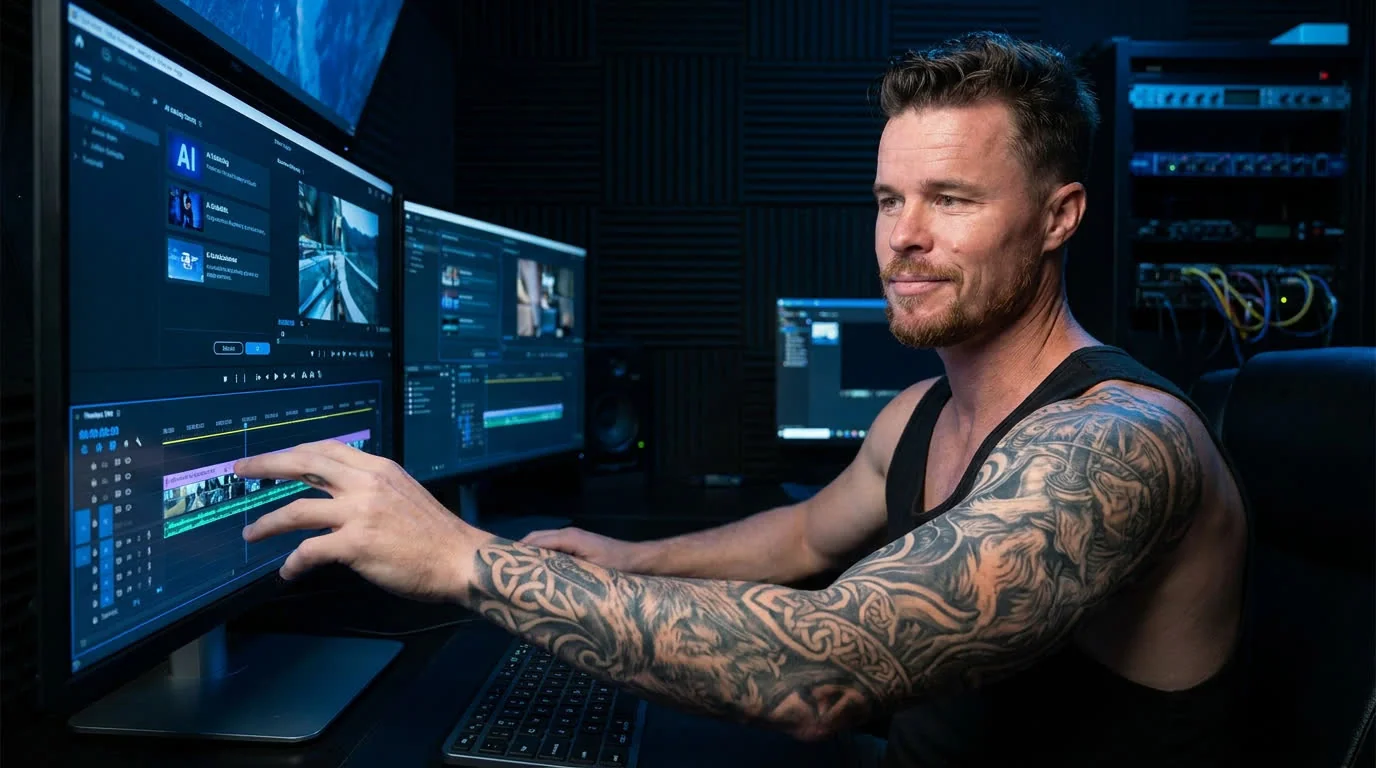
By Richie Griffin · May 16, 2026 · 5 min read
The AI conversation in video production has gotten exhausting. Half the industry is convinced AI is replacing crews next quarter. The other half is pretending the tools don't exist. Both takes are wrong, and most of the breathless commentary is coming from people who don't actually ship video for a living.
Here's the honest version, from a studio that's been integrating AI tools into real client work for the last twelve-plus months. What earned a spot in the workflow. What got tested and dropped. And — most importantly — what the tools still can't do, no matter how the demo reels make it look.
The single biggest workflow change of the last year. Not "generate a 30-second commercial" — that's still a mess. The real win is much smaller: take a static brand image, a logo, a thumbnail, a headshot, and add subtle natural motion. Subtle blink, gentle camera drift, light parallax. The kind of thing that takes three hours in After Effects and twenty seconds in Kling 2.5 or Hailuo. The output isn't broadcast-grade for a 30-second hero spot, but it's plenty grade for the things you're actually using it for: avatars, social headers, lower-thirds B-roll, micro-content.
The headshot on the homepage of this site is a one-second example. Static JPG in. 10-second loop out. Total time: under two minutes. Storyboarding a shoot for a one-second avatar moment would be insane.
Krea, gpt-image, nano-banana, ideogram — pick a model, they all have strengths. The use case isn't "final delivered art." It's ideation speed. A client says "give me three directions for the campaign tone." Old workflow: mood boards, hours of stock-photo digging, a rough sketch from the art director. New workflow: ten minutes of structured prompting and you've got three directions to react to. The client doesn't sign off on the AI image — they sign off on the direction, and then the actual shoot/design follows from that.
Treating AI generation as a final-output replacement is where most studios go wrong with it. Treating it as a pre-production accelerator is where the real ROI lives.
Quietly the most boring and most consistently useful AI integration. Whisper-class transcription has been good enough for production-grade subtitles for over a year. Time savings on a typical interview-heavy edit: easily an hour or two per project. Quality is high enough that the human pass is light cleanup, not full re-transcription.
Tools that auto-cut to a music track, auto-pull selects from interview footage, or auto-arrange B-roll have crossed the threshold from "demo trick" to "actually useful for getting a v0 assembly faster." Still need the human edit pass for taste, pacing, and story — but the v0 happens in a fraction of the time.
Tested it. Dropped it. The voice on Terrible's, Top 5, and dozens of broadcast spots is mine — and the AI versions are good enough to fool a casual listener for a sentence and not good enough to hold up across a 60-second commercial read with intentional pacing and emphasis. Brand voiceover is one of the hardest things to fake, because the audience has heard the real version and notices when the timing's off, even if they can't articulate why.
For one-off VO of a stock script with no brand voice expectation, AI cloning works. For brand-voice continuity, the human still wins by a real margin.
Multi-second generative video for actual shots is still in the "looks good in cherry-picked demos, falls apart on real production constraints" category. Specific brand colors hold inconsistently. Specific actors look almost-but-not-quite right. Backgrounds drift mid-shot. For abstract B-roll or texture footage, fine. For anything that needs a specific person, place, product, or continuity across cuts, you're still better off shooting it.
The platforms that promise "type your campaign brief, get a finished commercial." Tested several. The output is uniformly bad in the way only generic content can be: technically watchable, completely forgettable, and visually indistinguishable from any other AI-generated commercial. The whole point of brand video is to not look like every other brand. These tools fight that goal at a structural level.
The boring answer is "everywhere that involves taste." But more specifically:
Use the tools. Don't pretend they don't exist. Don't pretend they do everything either. The right mental model is "AI is the new In-Between Frame Generator" — a meaningful productivity multiplier in the parts of the workflow it's good at, and a category error if you treat it as a replacement for the work itself.
The studios that are going to pull ahead in the next two years are the ones that integrated AI into pre-production and post-production while doubling down on what only the human can do — the on-set work, the brand relationship, the actual story. The ones falling behind are split between "let's automate everything" (and shipping forgettable content) and "let's pretend the tools don't exist" (and watching their competitors deliver in half the time).
Make boring illegal. Use whatever tool helps you get there.
Written by Richie Griffin — Las Vegas video producer, voiceover artist, and on-camera host. Founder of Richie Griffin DigiCo. Make Boring Illegal.